




<img src="https://secure.leadforensics.com/97241.png" style="display:none;">

Bypass TAPs for live broadcast networks

Network Critical provides bypass TAPs for live broadcast networks running inline monitoring on real-time video links, so the feed keeps flowing even when a monitoring tool loses power or goes offline.

Network teams at these organisations run Network Critical visibility

  • Vodafone Logo
  • HSBC Logo
  • bp logo
  • Airbus Logo
  • Darktrace Logo

Fail-open inline monitoring for real-time video transport

Live video gets no second chance. Email and web traffic can retransmit a lost packet, buffer a delay or squeeze into a smaller channel, but a replay feed heading to an officiating panel has to arrive immediately and intact. So monitoring has to happen inline, in real time. The catch: an inline tool is also a failure point. If it loses power or is taken offline, the link goes down with it. Bypass TAPs for live broadcast networks remove that risk by routing traffic around the tool the moment it stops responding. A national telecommunications carrier uses SmartNA Bypass TAPs to protect live video in the Major League Baseball replay booth, keeping traffic moving even if its monitoring equipment goes offline.

Key challenges facing live broadcast networks

No tolerance for retransmission or delay
Live video can't be resent or buffered the way standard data can. Loss, jitter or delay shows up on screen as pixelation. Monitoring has to see the stream in real time, and Network Critical's Bypass TAPs put that monitoring in the path without making it the weak link.
Inline tools as single points of failure
Monitoring equipment installed directly on a live link raises the chance of an outage. Lose power to the tool, or take it offline for maintenance, and the feed stops. Bypass modules on Network Critical's SmartNA-XL detect an unresponsive tool and reroute traffic around it automatically.
Mixed speeds and mixed media on one path
Video needs high-bandwidth links, while management traffic runs on slower ones. Equipment arrives with copper or fibre interfaces. Without speed matching and media conversion, every tool connection becomes a custom job. Network Critical's 1G SmartNA provides high and low speed connections plus fibre-to-copper media conversion in one chassis.
Configuration errors during live operations
Manual filter and port mapping is slow and error-prone, and a mistake in a filter hierarchy or port assignment can interrupt service. On a live feed, viewers see the result. Network Critical's Drag-n-Vu warns you before you create a path that will cause problems, and rolls back in one click.

Why live broadcast network teams come to Network Critical

We're putting monitoring tools inline on live video links and can't risk an outage.

Our inline monitoring tool went offline and took a live feed down with it.

We need to inject management traffic back into video links in real time.

We've committed to strict service assurance levels for a live sports customer.

Our SPAN ports drop packets exactly when live event traffic peaks.

We have to patch and replace inline tools without taking feeds offline.

Key capabilities for live broadcast networks

Fail-open protection for inline tools

Network Critical's Bypass TAPs send continuous heartbeat signals through each inline appliance. When the tool stops responding, traffic reroutes around it automatically and the video keeps moving. Network traffic also continues to flow if the TAP chassis loses power. 

Real-time inline access with management injection

Network Critical's SmartNA-XL supports Parallel/Series Dual Active Bypass mode for inline access, high availability and hot standby. Live traffic passes through your tools and back to the network, so monitoring equipment can analyse the stream and send management data back into the link. 

Media conversion and speed matching

Network Critical's hybrid TAPs combine TAP and packet broker functions in one chassis. Hot-swap modules connect copper, multimode and single-mode fibre, and match high-bandwidth video links with lower-speed management links, so tools connect without changing existing link media. 

Drag-and-drop management

Network Critical's Drag-n-Vu lets network administrators build filters and port maps by dragging between graphical ports, with no rule syntax to learn. One-Click Rollback restores a previous configuration fast if a change misbehaves before a live event. 

Best bypass TAP solution for live broadcast networks

Bypass TAPs: fail-open inline access for live video transport

  • Bypass modules for 10/100/1000 copper, 1G SX and LX optical, and 10G SR and LR optical links
  • Heartbeat monitoring reroutes traffic automatically when an inline tool stops responding
  • Parallel/Series Dual Active Bypass mode for high availability, hot standby and inline access (SmartNA-XL)
  • Network traffic keeps flowing even if chassis power fails
  • Dual hot-swappable power supplies, AC (100V to 240V) or DC (-42V to -63V), on SmartNA-XL
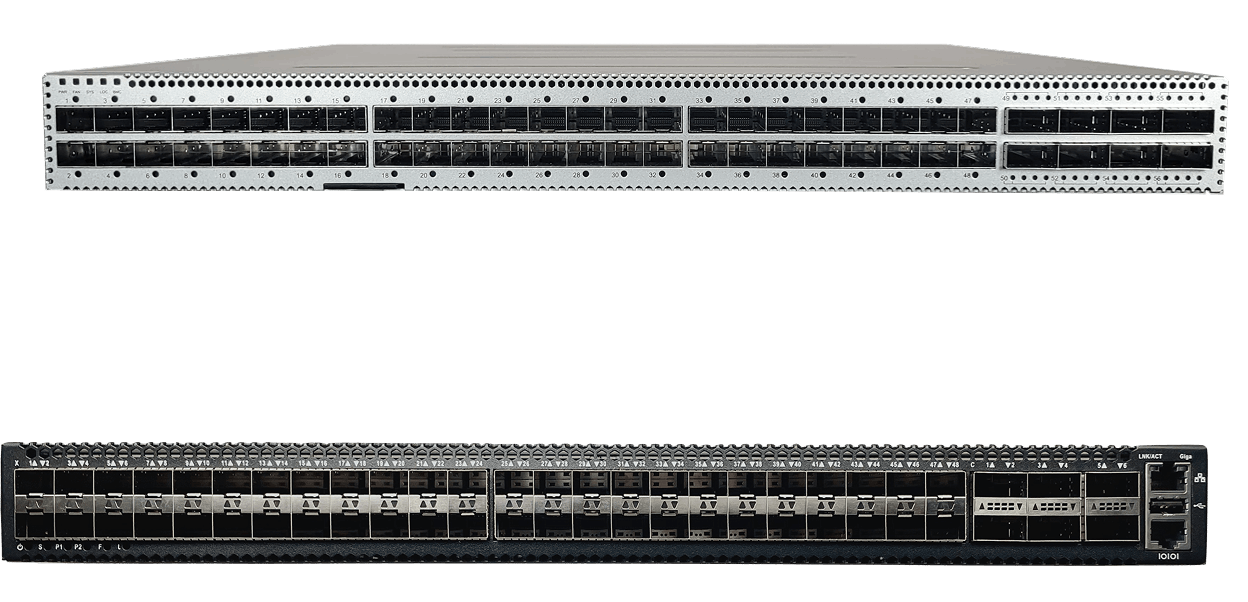
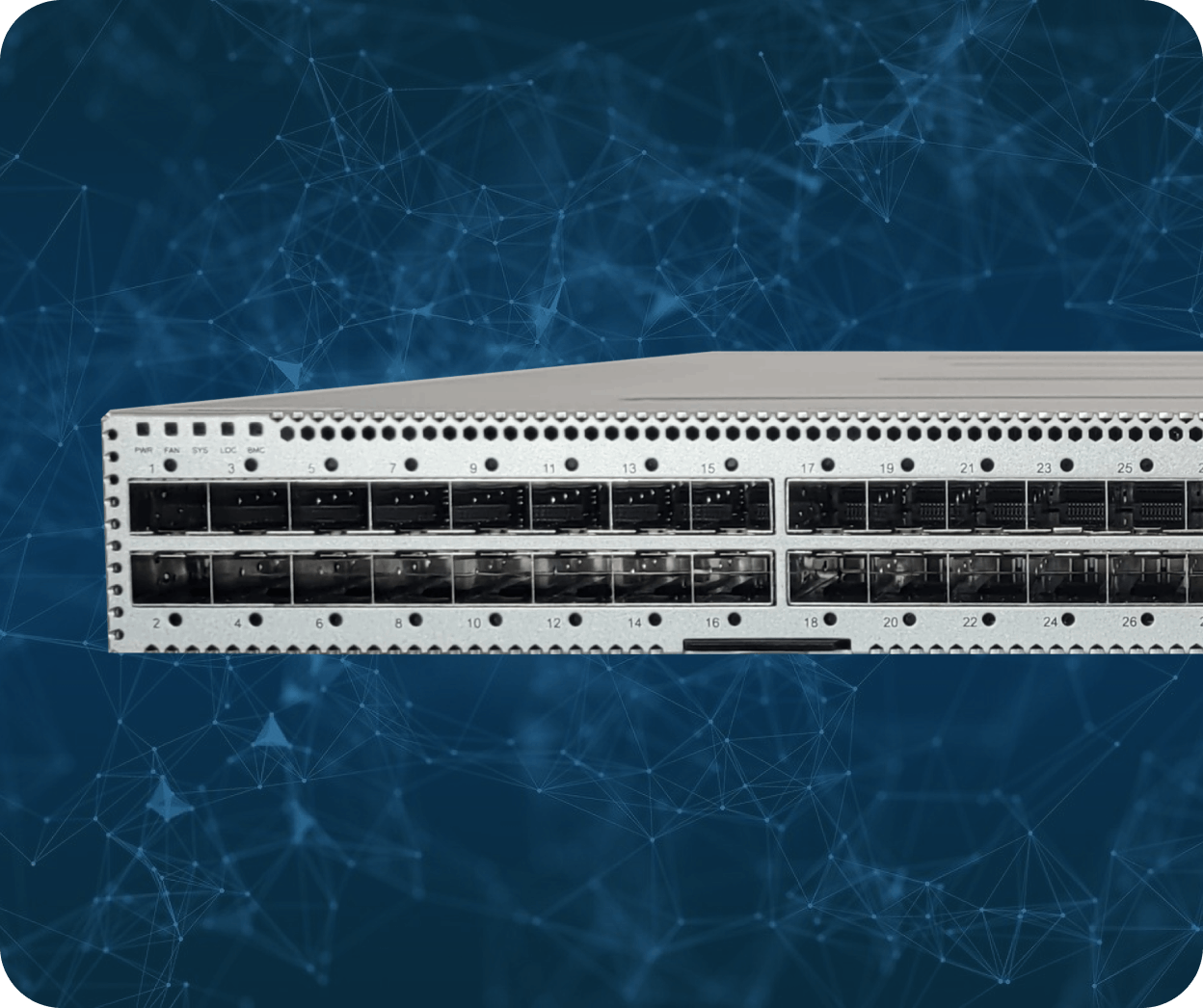
  • Five-slot 1RU SmartNA-XL chassis with hot-swap modules, up to twenty 1/10G SFP/SFP+ ports and four 40G QSFP ports
  • SmartNA bypass modules support an MTU of 16,383 bytes
  • Managed through Drag-n-Vu over HTTPS, CLI over SSH, SNMP v1/v2c/v3, with RADIUS and TACACS+ authentication
SmartNA-PortPlus on blue background
person typing on futuristic laptop

When Bypass TAPs are the right fit


  • You're placing monitoring or management equipment inline on live video links and can't let it become a point of failure.
  • Your inline tools need to analyse the stream and inject management data back into the link in real time.
  • You're connecting fibre and copper equipment across high-speed video links and lower-speed management links.
  • You need to service, patch or replace inline tools without scheduling an outage around a live event.

Case studies: bypass TAPs for live broadcast networks in practice

A national telecommunications carrier transports live video from each ballpark, via one of two remote data centres, to the officiating panel that reviews close calls. SmartNA Bypass TAPs connect the carrier's monitoring equipment inline, inject management traffic and keep video flowing if that equipment goes offline. Drag-n-Vu handles configuration. 

Read more: Replay booth case study

Maryland's Department of Information Technology moved users from TDM voice to IP-based unified communications (UC), where congestion and packet loss threaten call quality. A SmartNA-XL deployment, with five 1/10/40G slots for passive, active or bypass TAP modules, lets the State maintain quality of service and quality of experience across its UC network. 

Read more: State of Maryland case study


We were looking for a safe way to connect our monitoring equipment to provide important analysis and inject management data back into the network to manage these critical video links in real time. Our challenge was to do this in real time without jeopardizing network reliability. Network Critical was the ideal product to meet all of our requirements." 

 —   Director, Business Operations, national telecommunications company, from the Replay booth case study 


Why SPAN ports fail for live broadcast networks

SPAN drops packets when live traffic peaks

SPAN is oversubscribed by design, so it drops packets when several busy ports feed one mirror. No alarm fires. Your monitoring reports only what SPAN sent, which hides the jitter and loss viewers actually see. Network TAPs copy every packet with zero loss. 

SPAN cannot put a tool in the path

SPAN sends a copy of traffic out of a spare switch port. That suits passive observation, but live video monitoring often needs a tool inline that acts on the stream and sends management data back. Bypass TAPs give that tool an inline path and route around it if it fails. 

SPAN competes with the switch carrying your video

SPAN shares resources with the switch's own forwarding and management work, and most switches allow only 2 to 4 concurrent sessions. Adding a tool means reconfiguring switches in the transport path, which is easy to get wrong. Drag-n-Vu provisions tools from the TAP layer instead, removing SPAN port contention. 

Why choose Network Critical bypass TAPs for live broadcast networks

Network Critical builds visibility hardware for networks that can't go down. Our Bypass TAPs keep inline tools in the video path without turning them into a single point of failure, and the same chassis takes passive and copper TAP modules for every other link.

You buy the hardware once. Perpetual licensing with no subscriptions puts modelled 3-year total cost of ownership 40 to 60% below traditional packet broker vendors. Drag-n-Vu keeps configuration with network administrators rather than specialist engineers.

The deployments are on record. SmartNA Bypass TAPs protect live video in the Major League Baseball replay booth, SmartNA-XL maintains UC quality for the State of Maryland, and Bourne Leisure connects security tools to live links without risking availability. UK manufacturing, a US office in Georgia and 24/7 support sit behind more than 20 years of experience.

Frequently asked questions about bypass TAPs for live broadcast networks

  •  A bypass TAP is a device that places an inline tool, such as a monitoring probe or intrusion prevention system (IPS), in a live link and automatically routes traffic around it if the tool fails. Also called a bypass switch, it keeps the link up while the tool is offline. 

  •  Live video can't be retransmitted or buffered, so monitoring has to happen inline and in real time. Inline equipment adds a failure point. Bypass TAPs remove it: if the tool loses power or goes offline, the video keeps flowing, as the Major League Baseball replay booth deployment shows. 

  •  The feed stops. Without bypass protection, an inline tool that loses power, crashes or is taken offline for maintenance breaks the link it sits on. A network bypass detects the failure through heartbeat signals and reroutes traffic around the tool automatically. 
  •  The bypass TAP sends continuous test signals, called heartbeats, through the inline appliance. When the tool stops responding, the TAP treats it as failed and switches traffic around it. Network Critical's SmartNA-XL bypass modules use this method to protect inline tools on 1G and 10G links. 

  •  A bypass TAP puts a tool in the live path with automatic failover, while a SPAN port only sends a copy of traffic out of a switch port. SPAN can drop packets under load without warning and cannot host an inline tool. See our comparison of network TAPs vs SPAN. 

  •  A passive TAP copies traffic out of band to a monitoring tool and needs no power. A bypass TAP connects a tool inline, so the tool can act on traffic, and fails open if that tool stops responding. Use a passive fiber tap for observation and a bypass TAP for inline tools. 
  •  Yes. In the Major League Baseball replay deployment, Network Critical TAPs inject management packets back into live video links to keep packet transfer consistent and orderly. SmartNA TAPs provide lower-speed links for that management traffic alongside high-speed video connections. 

  •  1G copper and 1G SX and LX optical bypass modules fit both SmartNA and SmartNA-XL. The 10-40G packet broker SmartNA-XL also takes 10G SR and LR optical bypass modules, so one 1RU chassis can mix copper and fibre links. 
  •  Yes. A bypass tap keeps traffic flowing while a tool is out of service, so you can patch, upgrade or replace inline equipment without an outage. On SmartNA-XL, dual hot-swappable power supplies keep the chassis running while one supply is replaced. 
  •  You configure them in Drag-n-Vu, Network Critical's web GUI, by dragging between graphical ports to create filters and port maps. It warns you before you build a path that will cause problems, and One-Click Rollback restores a previous configuration. CLI over SSH and SNMP are also available. 

  •  The clearest example is the Major League Baseball replay booth. A national carrier uses SmartNA Bypass TAPs to connect monitoring equipment to live video links serving an officiating panel, keeping the service up if that equipment goes offline. The State of Maryland shows SmartNA-XL maintaining quality on real-time UC traffic. 
  •  No. Network Critical sells its network visibility solutions on perpetual hardware licensing plus support, with no subscription or per-port licence fees. That keeps costs predictable as you add bypass modules and links, and avoids the renewal increases common with subscription-driven monitoring stacks.