




<img src="https://secure.leadforensics.com/97241.png" style="display:none;">

Bypass TAPs for inline data centre security

Network Critical provides bypass TAPs for inline data centre security for data centres running inline IPS, firewalls, and DDoS mitigation tools that cannot risk taking the network down if they fail.

Network teams at these organisations run Network Critical visibility

  • Vodafone Logo
  • HSBC Logo
  • bp logo
  • Airbus Logo
  • Darktrace Logo

Inline security tools need a fail-open path in the data centre

Data centres increasingly run security tools directly in the traffic path rather than off to the side. IPS appliances, firewalls, and DDoS scrubbers only work if they see every packet, which means wiring them inline with production links. That creates a new failure mode: if the tool crashes, loses power, or needs a firmware update, the traffic behind it goes down too, not just the monitoring feed. Network Critical's Bypass TAPs solve this by sitting between the link and the inline appliance, using continuous heartbeat monitoring to detect a failure and reroute traffic automatically, the same fail-open technology proven in the Major League Baseball replay booth deployment.

 Key challenges facing data centres 

Inline security tools without a fail-open path
When an inline IPS, firewall, or DDoS scrubber fails, goes offline for a patch, or loses power, traffic behind it goes dark too. Network Critical's Bypass TAPs detect the failure through continuous heartbeat monitoring and reroute traffic automatically, so the outage never reaches production.
East-west blind spots inside the fabric
Once traffic is inside the data centre fabric, standard switch ports rarely give SOC and NetOps teams a full view of lateral movement. Packet brokers such as SmartNA-PortPlus aggregate low-speed links onto fewer high-speed tools, closing the east-west gap without adding new cabling runs.
Maintenance windows that force full outages
Patching or upgrading an inline security appliance usually means scheduling downtime, because removing the tool from the path breaks the link. Bypass TAPs let engineers pull an appliance for maintenance while traffic continues to flow, turning a planned outage into a non-event.
Port density under rack space and cost pressure
Every additional monitoring or security tool competes for scarce 1RU space and full port-count budget. Aggregating multiple links into fewer tool ports through SmartNA-PortPlus protects rack space while extending the life of existing security investments.

Why data centre teams come to Network Critical 

 We protect SLA-driven uptime economics when inline tools cannot be allowed to break the link. 

We give SOC teams full east-west visibility without adding new cabling to the fabric. 

We remove planned-maintenance downtime for inline IPS, firewall, and DDoS appliances. 

We support 100G and 400G capacity expansion without forklift replacement of visibility gear. 

We help teams meet ransomware recovery time targets with continuous fail-open protection. 

We consolidate monitoring and security tools onto fewer ports without losing full-fidelity traffic. 

Key capabilities for data centres 

Automatic fail-open protection

Network Critical's Bypass TAPs use continuous heartbeat monitoring to test inline security appliances in real time. The moment a tool stops responding, whether from failure, power loss, or a maintenance reboot, traffic reroutes automatically so the production link never goes down. 

Modular hybrid TAP and broker chassis

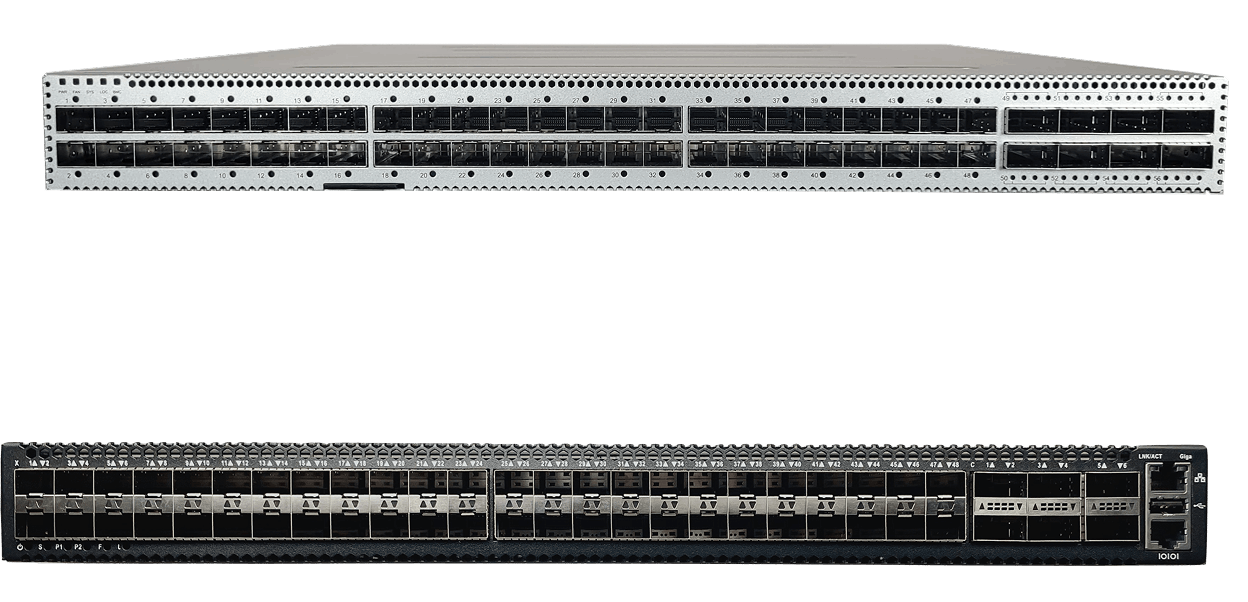
The SmartNA-XL chassis combines TAP, bypass, and packet broker functionality in a single 1RU unit, with dual hot-swappable power supplies and hot-swap fans for uninterrupted resilience across 1G, 10G, and 40G links. 

PacketPro traffic conditioning

PacketPro packet slicing, header stripping, and payload masking reduce the volume of traffic reaching downstream tools, cutting SIEM and NDR ingestion costs while preserving full-fidelity capture for compliance and forensic work. 

Single pane of glass management

 Drag-n-Vu's drag-and-drop interface lets network admins configure, deploy, and manage bypass and aggregation policies without CLI complexity, typically completing deployment in under two hours. 

Best bypass TAPs solution for data centres 

Bypass TAPs

For data centres running inline security tools that cannot risk downtime, Network Critical's Bypass TAPs deliver automatic fail-open protection in the same modular SmartNA-XL chassis already used for TAP and packet broker duties.

  • V-Line Bypass modules available in SR or LR optical variants with 10GbE SFP+ ports (part numbers 5841, 5842)
  • Continuous heartbeat monitoring with automatic failover, no batteries required
  • Modular 1RU chassis with up to 5 module bays, mixing TAP, bypass, and broker modules
  • Dual hot-swappable AC or DC power supplies and hot-swap cooling fans
  • PacketPro advanced packet manipulation: packet slicing, header stripping, payload masking
  • RADIUS and TACACS+ authentication, authorization, and accounting for audit trail
  • SNMPv3 integration with major network management systems
  • Managed through the Drag-n-Vu web GUI via HTTPS, or CLI via SSH
SmartNA-PortPlus on blue background
person typing on futuristic laptop

When Bypass TAPs is the right fit

  • You're running inline IPS, firewalls, or DDoS mitigation tools that cannot be allowed to take the network down if they fail
  • You need to patch or replace inline security appliances without scheduling a network outage
  • You're consolidating east-west visibility and inline protection onto a single modular chassis instead of separate point appliances
  • You're expanding data centre capacity toward 100G and 400G and need bypass protection that scales with it

Case studies: bypass TAPs for inline data centre security in data centres

Darktrace

Darktrace integrated its AI-driven threat detection platform with SmartNA-PortPlus's API, letting the tool autonomously control filtering and port mapping as it learns normal traffic patterns. The integration removed manual reconfiguration from the detection workflow entirely. 

Read more

Bourne Leisure

Facing a mix of copper and fiber links across multiple data centers, Bourne Leisure deployed SmartNA-XL to aggregate eight 1Gbps links onto a single 10Gbps security tool per site, an 8x configuration that cut CAPEX on tool purchases while protecting customer financial data. 


Read more
Bourne-Leisure


We chose the Network Critical equipment because of its flexibility to connect different types of live links to a space saving 1RU system and aggregate multiple links to a single tool. 

 —   Head of Network Architecture, Bourne Leisure 


Why SPAN ports fail for data centres 

SPAN doesn't protect inline tools at all

SPAN mirrors traffic out of band for monitoring. It has nothing to say about inline IPS, firewalls, or DDoS scrubbers sitting in the traffic path itself. When one of those tools fails, the whole link goes down with it, not just the monitoring feed. Bypass TAPs close that gap with automatic fail-open protection. 

Direct inline wiring risks planned and unplanned downtime

Teams often default to wiring inline security tools straight into the link, assuming it's as simple and free as SPAN. A firmware update, hardware fault, or power loss on that tool then takes production traffic down with it. Bypass TAPs use heartbeat monitoring to reroute traffic before that happens. 

SPAN can't validate what an inline tool actually sees

Since SPAN taps a separate copy of traffic outside the inline path, teams have no reliable way to confirm the appliance is inspecting full-fidelity traffic. Confidence gaps compound during high-traffic events, exactly when SmartNA-PortPlus aggregation and full packet fidelity matter most. 

Why choose Network Critical for bypass TAPs for inline data centre security

Network Critical delivers enterprise-grade inline security continuity without enterprise pricing or subscription lock-in. Where traditional packet broker vendors run 40 to 60 per cent higher over a three-year term, Network Critical's Bypass TAPs and SmartNA-PortPlus platforms run on perpetual hardware licensing, so data centre teams budget CapEx once instead of renewing an annual subscription.

Drag-n-Vu's drag-and-drop interface means network admins configure fail-open policies themselves, typically completing deployment in under two hours rather than waiting on specialist engineers. Network Critical has manufactured TAP and packet broker hardware in the UK for over 20 years, with US presence and 24/7 global support.

The same fail-open technology that kept live video flowing for a national telecommunications carrier's Major League Baseball replay system, aggregated security tools for Bourne Leisure, and powers Darktrace's API-driven threat detection now protects inline security tools in the data centre.

Frequently asked questions about bypass TAPs for inline data centre security 

  • A bypass TAP is a device that sits inline with a security appliance and keeps traffic flowing automatically if that appliance fails, loses power, or needs maintenance. For data centres running inline IPS, firewalls, or DDoS mitigation, Network Critical's Bypass TAPs prevent a single tool outage from becoming a network outage. 
  • A network TAP creates a dedicated hardware copy of traffic with no dependency on switch CPU, while SPAN ports only mirror traffic out of band and cannot protect inline devices at all. See a full comparison at network TAPs vs SPAN ports
  • SPAN ports are oversubscribed by design, so under peak load or a traffic spike they silently drop packets with no alarm. That leaves SOC and NetOps teams with incomplete forensic evidence and inaccurate KPI reporting, exactly when full east-west visibility from SmartNA-PortPlus matters most. 

  • Look for zero packet loss at line rate, modular scale-out from 1G to 400G, tool-agnostic PCAP output, and fail-open protection for any tools deployed inline. Network Critical's SmartNA-PortPlus and SmartNA-XL platforms are built around these criteria. 
  • Bypass TAPs connect any inline appliance, IDS, IPS, or DDoS scrubber directly into the traffic path using standard fibre or copper interfaces, then use heartbeat monitoring to detect a failure and reroute traffic automatically, all managed through Drag-n-Vu
  • Yes. Because Bypass TAPs detect when an inline tool is offline, whether from a failure or a scheduled reboot, engineers can patch or replace inline security appliances without booking network downtime, turning a planned change into a non-event for production traffic. 
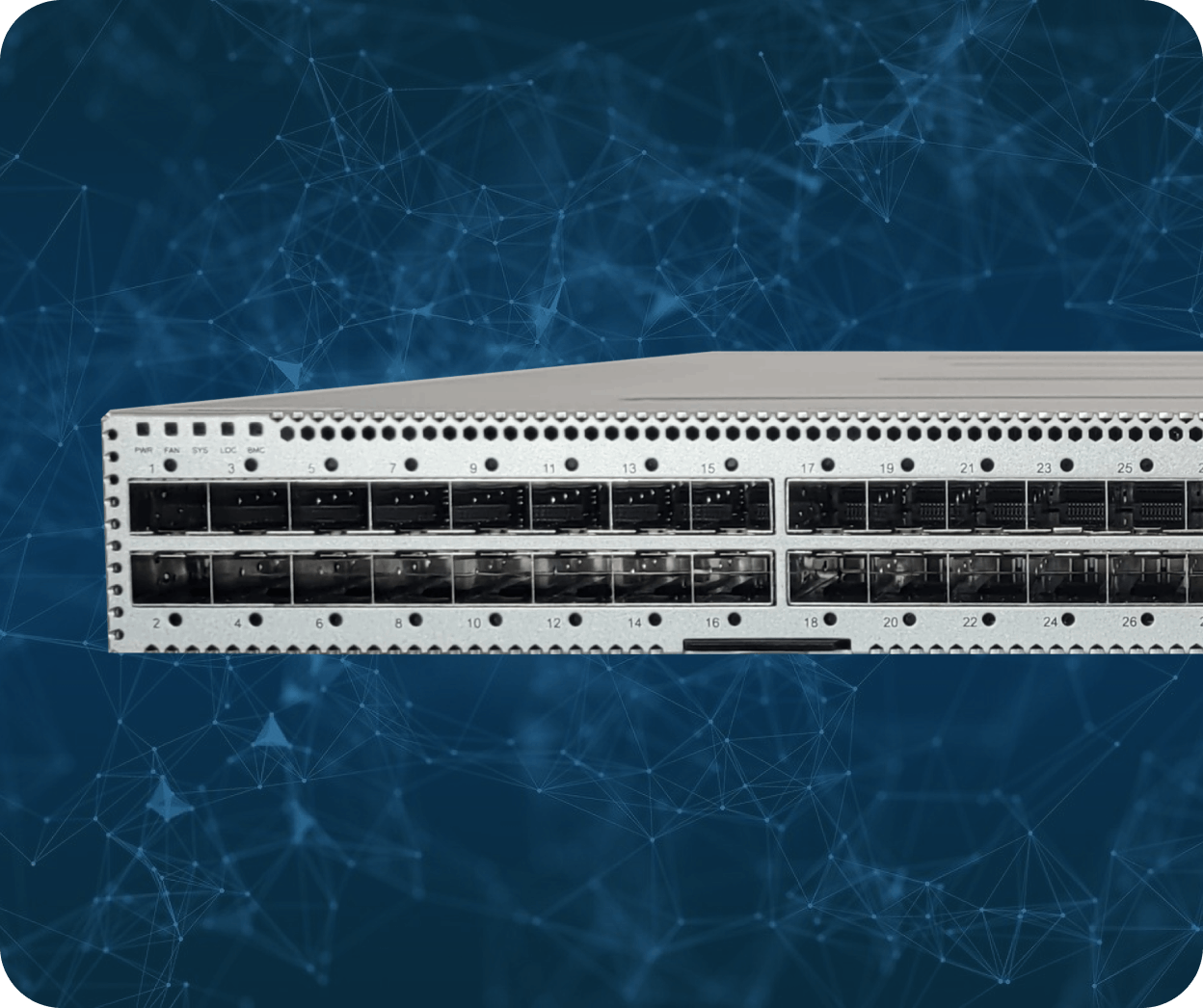
  • Network Critical's SmartNA-XL chassis houses Bypass TAP modules alongside standard TAP and packet broker modules in a single 1RU unit, supporting 1G, 10G, and 40G links. For higher-density aggregation, SmartNA-PortPlus scales to 194 ports and 1.8 Tbps of throughput.

  • A national telecommunications carrier used SmartNA Bypass TAPs to keep live video flowing for a major sports league's instant replay system, even when monitoring equipment went offline, as detailed in the Major League Baseball case study. Darktrace's API integration with SmartNA-PortPlus shows the same tool-agnostic model applied to automated threat detection. 
  • Network Critical's perpetual hardware licensing runs 40 to 60 per cent lower over a three-year term than traditional packet broker vendors' subscription-based pricing, without the per-port licensing surprises that come with annual renewal cycles. 
  • Network Critical backs every deployment with 24/7 global support and over 20 years of UK-manufactured TAP and packet broker experience. Drag-n-Vu's single pane of glass management keeps ongoing configuration in-house rather than dependent on vendor engineer time. 

  • Bypass technology in the SmartNA-XL range currently covers 1G, 10G, and 40G links. For 100G and 400G capacity, data centres pair inline bypass protection at the access layer with SmartNA-PortPlus HyperCore for high-speed aggregation. 
  • A standard TAP passively copies traffic to a monitoring tool without touching the live path. A bypass TAP goes further: it sits inline with an active security appliance and automatically reroutes traffic if that appliance fails, a distinction explained fully in what is a network TAP